01 / YOUR FAMILY
A view of the people you care about.
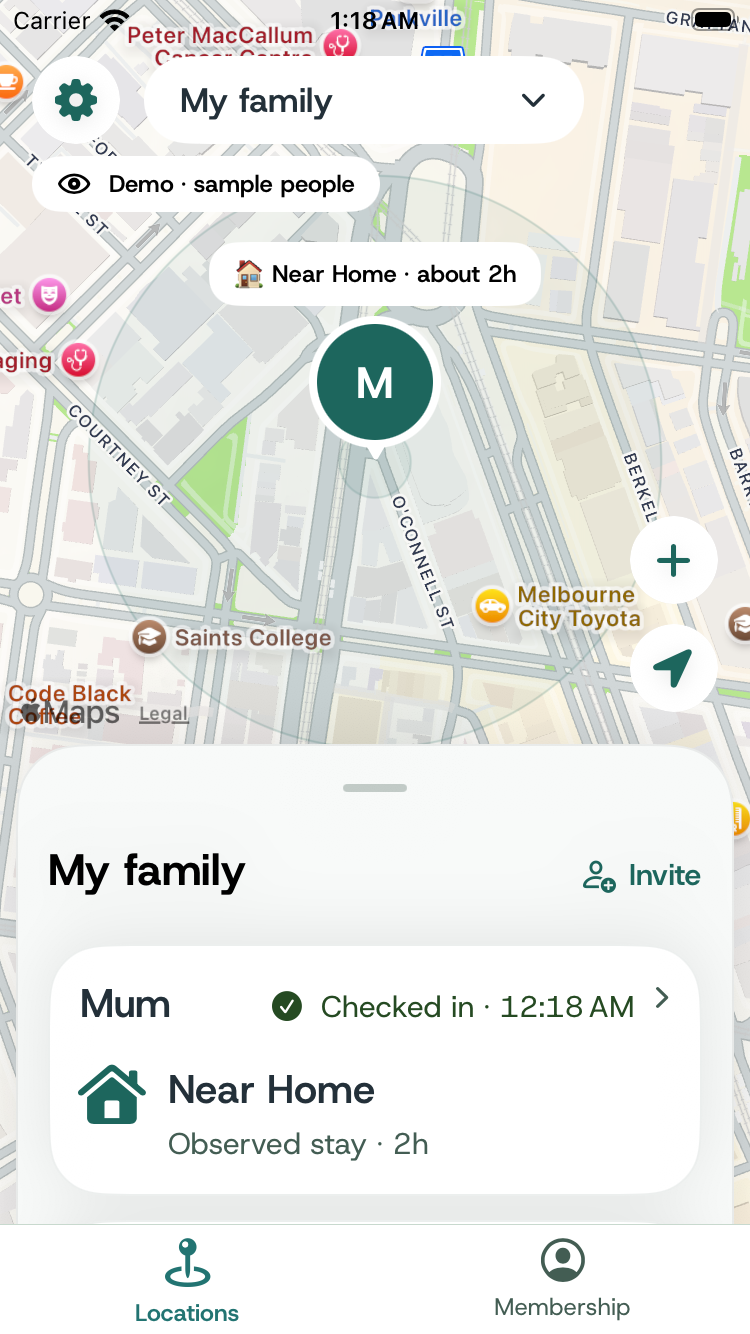
See shared check-ins and last reported locations together on the map, with their context.
 Care on their terms
Actual app screens · demo data
Care on their terms
Actual app screens · demo data
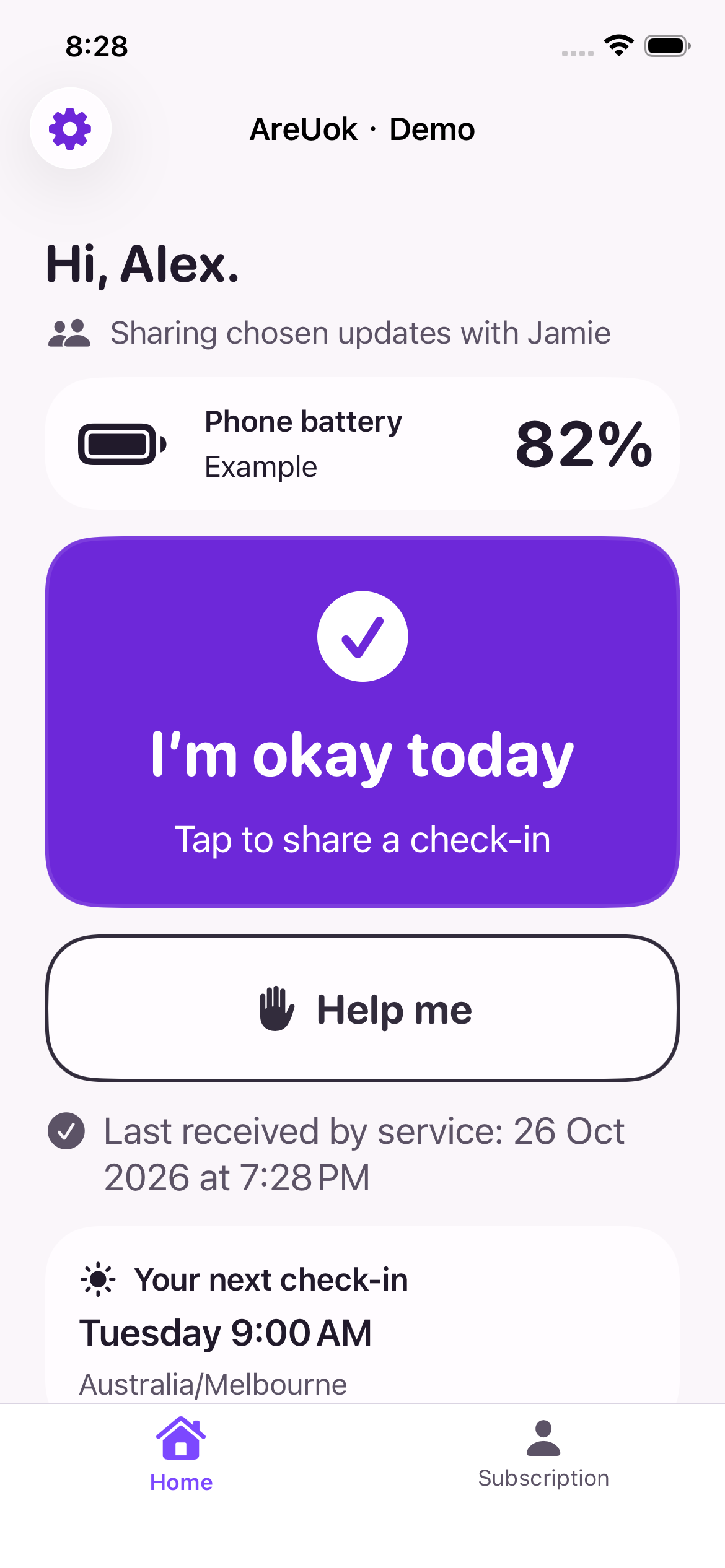
Stay connected with the older person you care about. See their check-ins and the updates they choose to share, in one place.
FOR FAMILY AND CARERS
See the information your family member chooses to share, and know when to follow up.
01 / YOUR FAMILY
See shared check-ins and last reported locations together on the map, with their context.
02 / FAMILIAR PLACES
With location sharing and optional place alerts enabled, an observed arrival can prompt an update. Location can be delayed or uncertain.
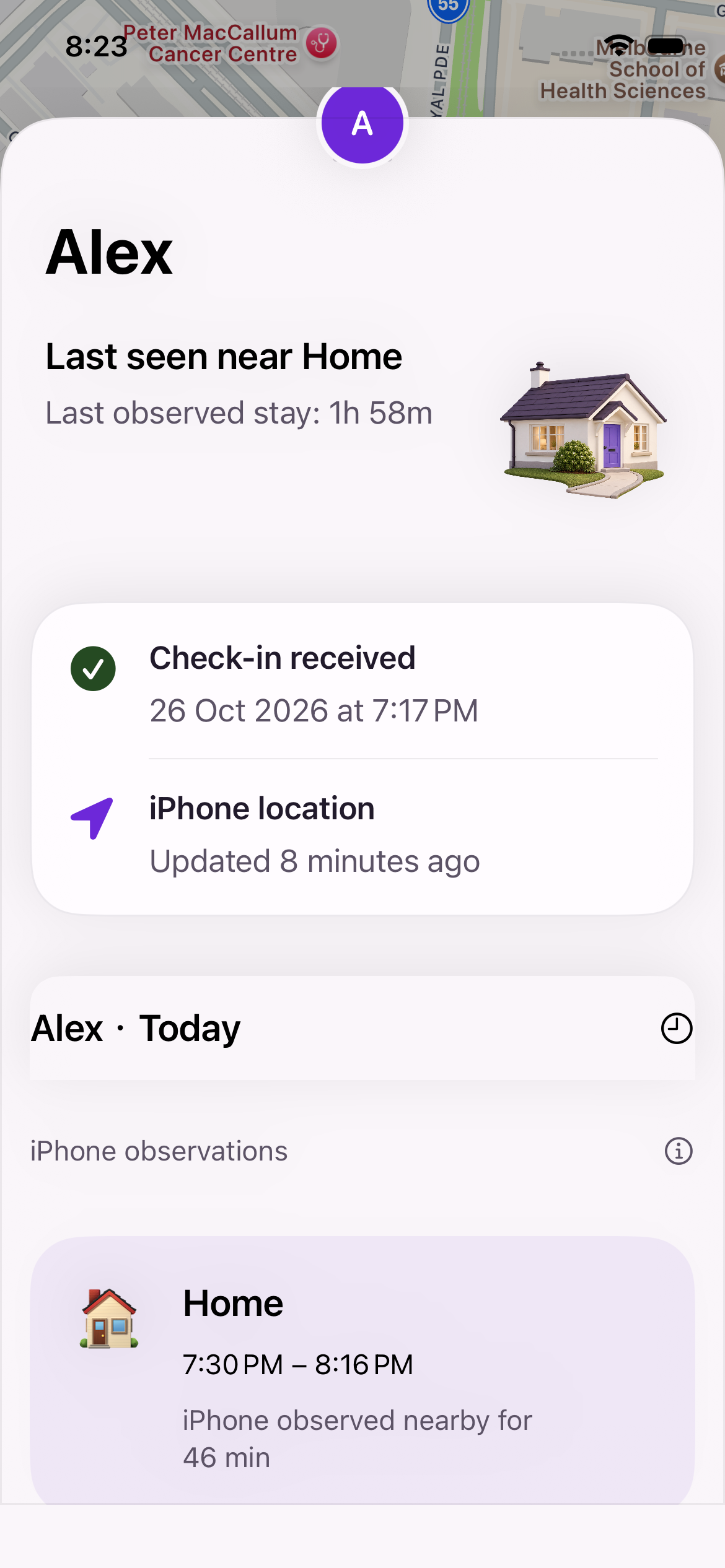
A device was observed near a chosen place.
03 / BATTERY
If battery is shared, choose a battery alert level. Reports can be delayed, and alerts require your notification settings.
A shared battery report is below your chosen level.
04 / NEEDS ATTENTION
A help request is shown as needing attention. A missed scheduled check-in can also need follow-up. Notifications can be delayed or unavailable.
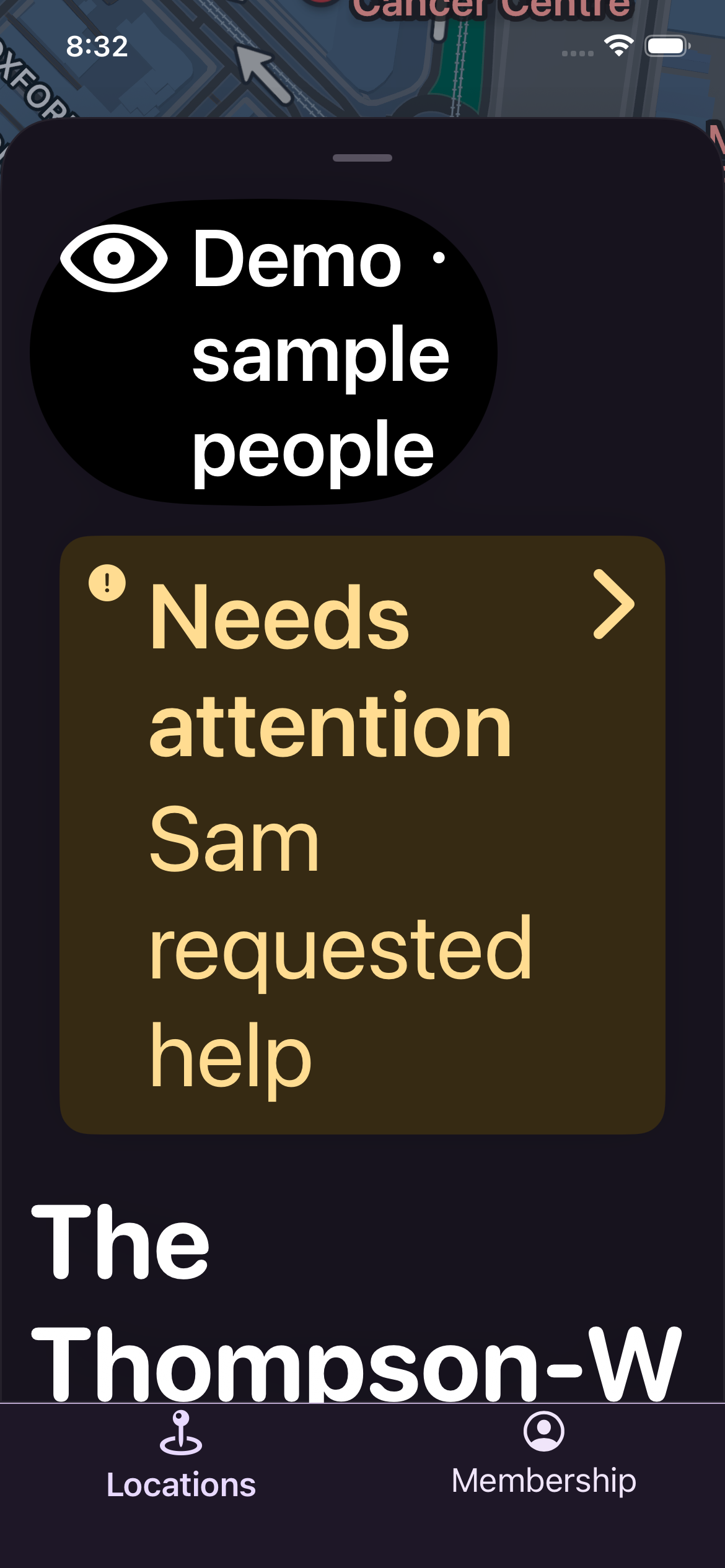
Screens show sample data. Battery and place alerts above are illustrations, not notification screenshots. AreUok does not replace emergency services.
Helpful details for carers, with sharing controlled by the person you care about.
Explore sharing choicesSee when your family member last checked in. If a scheduled check-in is missed, you can follow up.
See their shared location and today's route when they choose to share them. Updates show their own time.
Your family member can send a help request. AreUok does not replace emergency services.
The person sharing chooses what you can see and can pause or change those choices.
Updates can be delayed. Neither a location nor an old check-in proves someone is safe.
Actual app screen · demo data

They choose whether to share check-ins.

They choose whether to share location and today’s route.

They decide whether to share battery information.

They can see who has access.
A few things to know about AreUok.
The person sharing chooses whether to share check-ins, location and battery with their current family. They can change or pause those choices.
Updates can be delayed or unavailable. Check the time shown for each update. Location and old check-ins do not confirm someone is safe.
Fall detection and Apple Watch integration are not currently available in the pilot.
No. In an emergency, contact local emergency services. A help request does not guarantee a family member will respond.
AreUok is in a limited pilot. General availability has not been announced.

AreUok is in a limited pilot. General availability has not been announced.